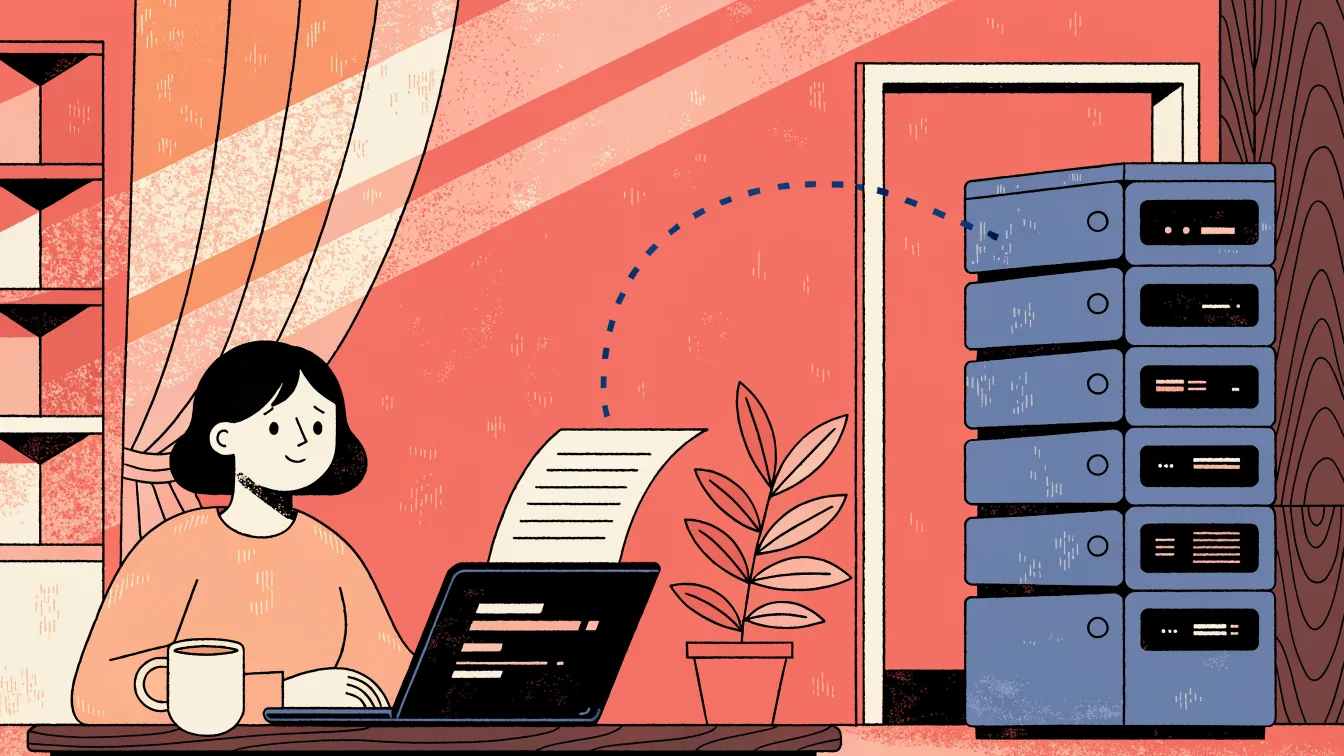
When you upload a W-2 to an AI tool, the file leaves your workstation, travels the internet, lands on an external server, is stored for some period, is processed by software you do not operate, and is deleted on a schedule you cannot independently verify. The useful part of that sentence is not a vendor's FAQ — it is that you have to ask each of those questions at all.
This article does not name a chatbot or a tax-AI brand. The journey is the same class of event wherever the destination is a server you do not own. If you need the professional-duty frame first, start with why tax pros should think twice before uploading.
The generic journey, step by step
- Your document. A W-2 is not "a PDF." It is name, SSN, employer EIN, wages, withholding, and sometimes state identifiers — return information under the rules that already bind preparers. A single form is a complete identity-and-income packet.
- The internet. TLS encrypts the trip. Encryption in transit is necessary and not sufficient. It does not tell you who decrypts the file on the other end, or who they hired to run the infrastructure.
- An external server. Somewhere in a region, a rack, a tenant, a vendor account. You will not get a walkthrough of the cage. You get a status page and a trust center PDF. The physical location may shift between availability zones without notice.
- Stored — how long? Session cache, object storage, "for support quality," backups, disaster-recovery replicas. Retention is a policy field in a dashboard, not a file you can list on a directory. The gap between "processing retention" and "backup retention" is where copies live longest.
- Processed — by what? A model, an OCR pipeline, a human reviewer in an edge case, a subprocessor's GPU queue. You asked for a summary or extraction. The system did whatever its architecture does — and that architecture includes logging, quality assurance, and possible escalation paths you never see.
- Deleted — when? Are you sure? "Deleted" in a product UI often means the pointer went away. The object in the storage layer may persist until the next garbage-collection cycle. Backup tapes and compliance logs are a different conversation entirely. You cannot audit them from the chat window.
The questions are the point. If a tool cannot answer them in writing, with specifics about subprocessors and backup windows, you are guessing with someone else's Social Security number.
What you can know vs. what you must take on faith
| Question | What a privacy page usually says | What you still cannot see |
|---|---|---|
| Is the upload encrypted? | TLS in transit / AES-256 at rest | Key custody, who can decrypt at the application layer, support-access protocols |
| Do you train on my files? | A yes/no as of this version of the policy | Whether that sentence still exists next quarter after a board meeting |
| Where is it stored? | A region or "United States" | Every replica, subprocessor, CDN edge cache, and log sink |
| When is it deleted? | A retention period in days | Backup windows, disaster-recovery snapshots, and forensic copies kept for litigation holds |
| Who else sees it? | "Limited to authorized personnel" | The full subprocessor chain, outsourced moderation, and internal ML teams who may sample data for quality |
Training-on-your-data is the question vendors want to answer because the answer is easy to print on a website. It is not the first question. The first question is whether the W-2 is sitting on their disk at all — and whether you can prove it is not sitting there six months from now.
The training question is a distraction from the real one
Vendors have gotten very good at saying "we don't train on your data." That line has become the industry's go-to reassurance. But even if the statement is true today, it addresses the wrong risk for a tax professional.
Consider what remains true even when no training occurs:
- The file still left your office and exists on their infrastructure
- Their employees, subprocessors, and automated systems can access it during processing
- Backup and logging systems retain copies on schedules you cannot control
- A privacy-policy update, a corporate acquisition, or a legal subpoena can change how retained data is handled — retroactively
- You cannot issue a recall on a file that has already been received
The promise not to train is a policy. The file being on their server is physics. Policies can change; uploads cannot be un-sent.
Why "I only uploaded one file" is not a small event
A single W-2 is a complete identity-and-income packet: full legal name, Social Security number, employer EIN, annual wages, federal and state withholding. Copy-paste into a prompt can leak the same fields even if you never click "upload" — the text went to the same servers.
Screenshots in a support ticket, a shared team workspace, and a browser extension that "helps with PDFs" are the same journey with worse labeling. They move the data out of your control without the ceremony of an upload dialog.
Firms that already refuse to email tax documents as ordinary attachments sometimes treat an AI chat box as a different species. It is not. It is another outbound path — one that often has less structure, less logging, and less institutional oversight than even email.
The cumulative risk across a season
One paste feels small. But a busy firm processes hundreds or thousands of returns per season. If even a fraction of those involve copy-pasting client data into AI tools, the cumulative exposure is significant:
- Hundreds of SSNs on external servers you cannot inventory
- Staff members using personal accounts that the firm cannot audit or revoke
- No centralized log of which clients' data went where
- A WISP that lists "Drake, portal, email" but not "ChatGPT, three browser extensions, and a PDF summarizer"
The risk is not one paste. It is the pattern that forms when nobody writes down the first one.
A better split: ask the model without feeding the form
You can ask how box 12 codes work without sending box 12. You can ask how to document a dependent without sending the Social Security card. You can research the earned income credit thresholds without pasting a client's return.
That split — knowledge queries stay in the cloud, document processing stays local — is the architectural distinction that matters. Tax knowledge is public; it lives in IRS publications, revenue rulings, and regulations. Client documents are private; they contain the most concentrated identity packet a person has.
Most firms use one paste box for both. That single-bar design is how SSNs end up in a model vendor's log files alongside a question about depreciation schedules. The failure mode is the mixed input, not the AI itself.
XyloDocs' communication platform is built so intake lands on a client record you operate, not a public prompt history. The 2027 tax software is being designed to separate those two channels architecturally — but the communication and intake platform is available now, without requiring tax-filing software.
Frequently asked questions
Does HTTPS mean the AI company cannot read the W-2?
No. HTTPS (TLS) protects the data during transit — between your browser and their server. Once the file arrives, the recipient decrypts it to process your request. That is the entire point of uploading. TLS prevents eavesdropping on the wire; it does not prevent the intended recipient from reading the file.
If I blur the SSN first, is the rest of the W-2 fair game?
Name, employer, and wage figures are still return information under §7216. Redacting the SSN helps reduce identity-theft risk, but it does not turn a W-2 into a hypothetical. When in doubt, do not send the form — rephrase the question using generic facts instead.
Can I get a certificate that every byte was destroyed?
You can get a vendor's statement or a SOC report that describes deletion practices. You cannot get a cryptographic proof from a consumer chat product that no backup, log file, or disaster-recovery snapshot retained any part of the document. That verification gap is why local processing — where the file never leaves your hardware — exists as a category in the three levels of AI security.
What if the AI tool is designed specifically for tax professionals?
A tax-specific vendor may offer better access controls, audit logging, and contractual protections than a consumer chatbot. Those are real improvements. But the file still left your office for their servers. That makes it a Level 2 decision (cloud tax AI), not a Level 3 decision (on-premise). Evaluate it seriously — but do not confuse vertical branding with local control.
The bottom line
The W-2's trip is upload → transit → foreign server → opaque retention → opaque processing → unverifiable deletion. You should be able to answer each stage in a way your WISP can document. If you cannot, you are not "using AI." You are sending a tax document into a process you do not run, and hoping the answers to questions you never asked are the ones you need.
See what the IRS-facing rules expect of you, or talk to us about intake that stays on the client record you operate.
Leave a Comment
Your comment is private and will only be visible to the author. We'll send you an email confirmation.